Notice stock that needs attention.
Monitor product variants and locations with stock thresholds. Send alerts to verified email recipients or a Slack channel your shop authorises; available controls depend on your plan.
 Explore the apps
 INVENTORY & REORDERING
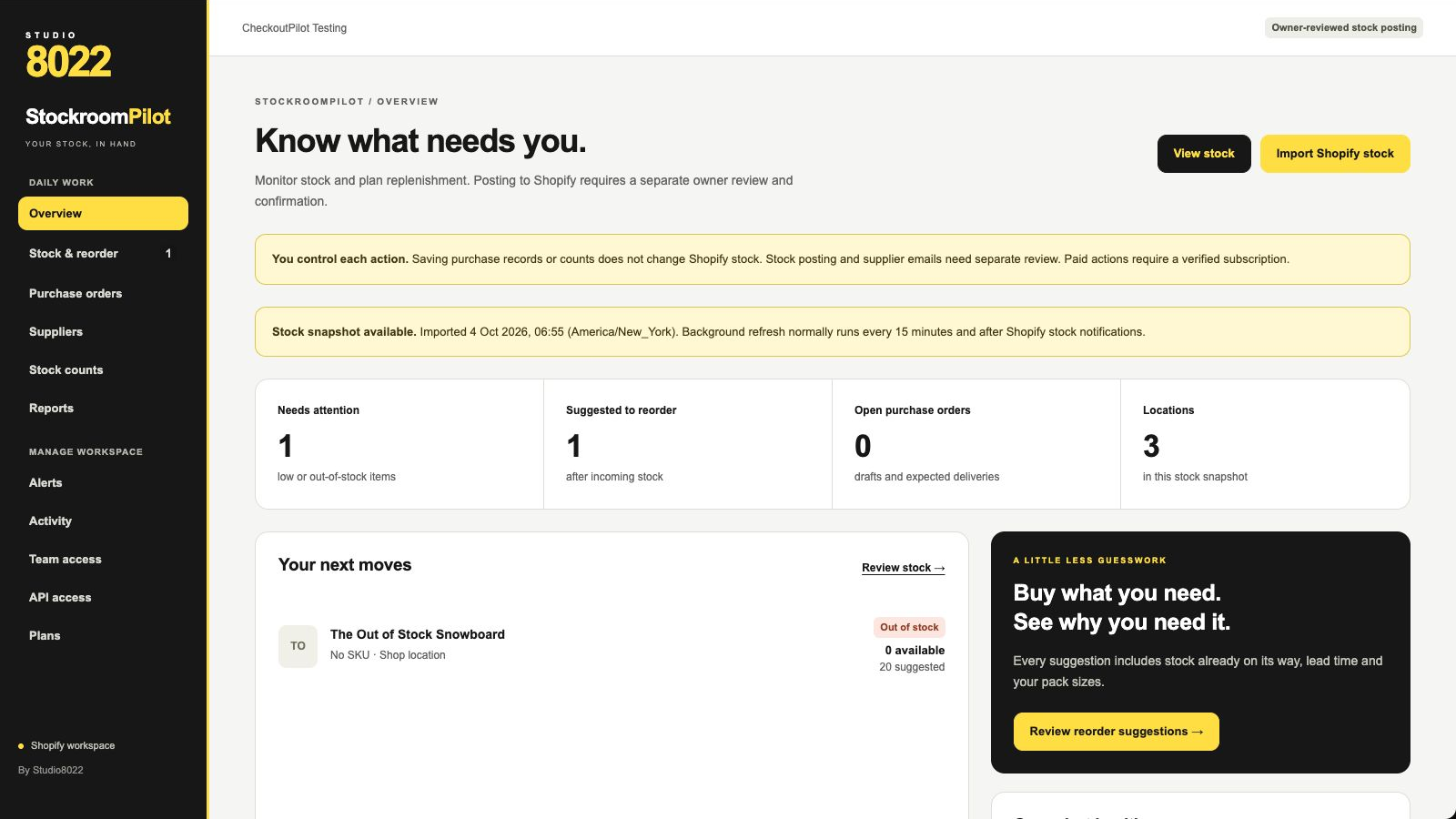
StockroomPilot helps Shopify retailers monitor inventory across locations, spot low stock and plan replenishment. Bring alerts, sales-history forecasts, purchase-order drafts and reviewed stock counts into one workspace.
For retailers who want clearer stock decisions without handing over control.
Monitor product variants and locations with stock thresholds. Send alerts to verified email recipients or a Slack channel your shop authorises; available controls depend on your plan.
Use recent sales history, supplier records and replenishment reports to plan your next order. Forecasts support your judgement; they are not a guarantee of future demand.
Prepare purchase orders and stock counts, then review before posting an inventory change. Supplier email requires a separate review. Saving a draft does not change Shopify stock or place an order.
THE IMPORTANT DETAILS
Background stock refresh normally runs every 15 minutes and after Shopify inventory notifications; it is not a real-time guarantee. Forecasts depend on the order history available to the app. Existing inventory transfers are read-only. Purchasing and counting tools are plan-dependent. The app does not pay suppliers or automatically fulfil purchase orders.
Preparing for launch, not available for public installation. Configured monthly plans are Starter US$3.99, Advanced US$7.99, Pro US$19.99 and Complete US$34.99. Eligible shops receive one trial of up to 14 days; changing plans or reinstalling does not extend the saved trial cutoff. Shopify displays the applicable subscription terms before approval.
A LITTLE MORE CONTEXT
Starter covers stock monitoring and basic alerts. Advanced adds advanced rules and alert controls. Pro adds sales-history forecasts, suppliers and replenishment reports. Complete adds purchase-order drafts, stock counts and reviewed adjustments. Pricing is monthly in USD; public installation is not open yet.
No. Monitoring and saving purchasing or count records do not change Shopify stock. Posting a stock adjustment requires an authorised owner to review and confirm the action.
Your shop connects its own Slack workspace and selects a channel during authorisation. It does not connect you to Studio8022’s workspace or another merchant’s channel, and it does not read Slack conversations.
Yes. You can select an operational currency, including GBP, EUR or USD, for purchasing records. This is not automatic currency conversion. App subscription prices remain in USD and are approved through Shopify.
Not publicly yet. Contact the studio with questions about launch or suitability. This page does not install the app, reserve stock or start a subscription.